Pixel Forge
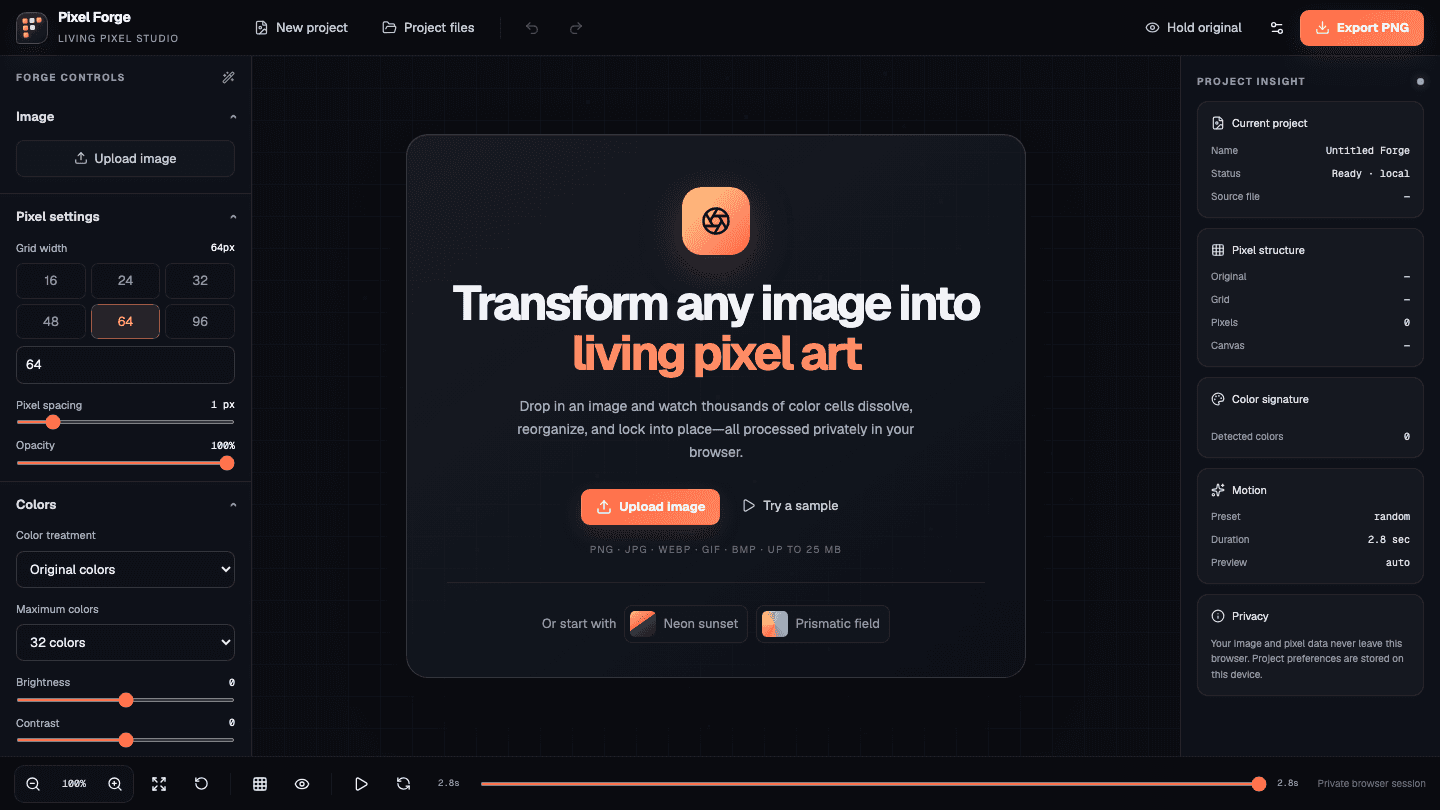
LivePixel Forge is a private browser-based pixel-art studio. It crops and resizes images into a pixel grid, applies color adjustments and palette reduction, converts the result into configurable pixel shapes, and animates the pixels assembling into the final artwork—all locally in the browser.
ReactTypeScriptNext.jsHTML CanvasWeb WorkersIndexedDB
- Problem
- Most image-to-pixel-art tools produce a static filter or send the source image to a server. Pixel Forge needed to make the conversion feel like a creative, inspectable process while keeping the user's images and pixel data private.
- Solution
- Built a browser-native studio around an interactive HTML Canvas preview, configurable grid resolution, spacing, palette treatment, dithering, pixel shapes, reconstruction styles, backgrounds, and zoomable inspection tools. Image processing runs in Web Workers, preferences stay in browser storage, and recent projects are persisted locally with IndexedDB. Project files can be saved and re-imported as JSON, with PNG, SVG, WebP, GIF, animated WebP, and pixel-data exports.
- Challenges
- Keeping a high-resolution canvas, live controls, color reduction, and reconstruction animation responsive required separating pixel processing from the UI thread and coordinating worker output with the timeline. The export pipeline also had to preserve the same pixel structure across raster, vector, animated, and raw-data formats.
- Outcome
- A polished private pixel-art workstation that turns an uploaded image—or a built-in sample—into an animated composition without sending the source off-device. It demonstrates responsive canvas rendering, worker-based image processing, local project storage, and a multi-format export pipeline in one focused browser experience.