Benos
LiveBenos is a fine-grained frontend framework published on npm as ten packages: a reactive core (signals, computeds, effects, ownership), a DOM renderer and component runtime, a TypeScript/JSX compiler with a Vite plugin, a typed router whose params are inferred from the path string, owned async resources with Suspense and transitions, accessible UI primitives built on Zag.js, a source-owned component registry with its own CLI, an ESLint plugin, and a create-benos starter. Components execute once; a signal update refreshes exactly the DOM bindings that read it.
Why it stands out
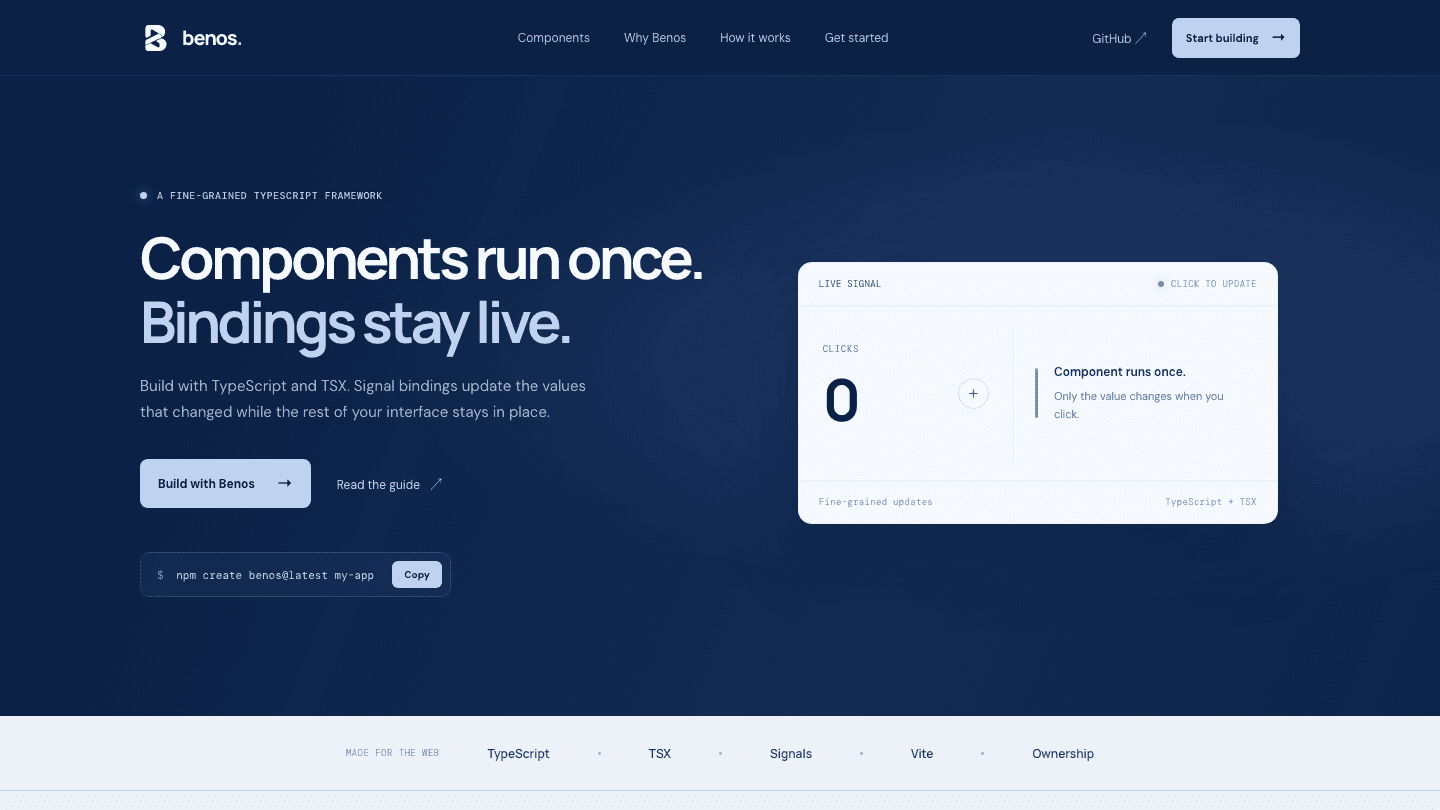
Components run once
A component is an ordinary function that executes a single time. A signal update refreshes exactly the DOM bindings that read it: no re-render, no virtual DOM diff.
Ownership by default
Effects, listeners, refs, and cleanups belong to the owner that created them and are disposed with it, so teardown is deterministic rather than a discipline.
TypeScript is the design input
Route params are inferred from the path string, search params go through typed codecs, and generated HTML and SVG types cover TSX. A wrong or missing param is a compile error.
Small and measured
Core is about 4.3 KB and core plus DOM about 11 KB. Size budgets and a benchmark guard against Preact Signals, Alien Signals, and Solid run in CI on every change.
Async that cancels itself
Resources take a tracked source and an abortable fetcher, keep stale values while reloading, and ignore superseded responses. Suspense reveals content together and holds effects until reveal.
Accessible UI you own
19 components built on Zag.js state machines with keyboard, focus, and RTL behavior. The CLI copies editable source into your project instead of hiding it in a dependency.
Get started
01Scaffold an app. The starter works with npm, pnpm, Yarn, and Bun and ships TypeScript, Vite, Vitest, ESLint, and Prettier.
npm create benos@latest my-app02Install the dependencies and start the dev server.
cd my-app && npm install && npm run dev03Or add Benos to an existing Vite project. The Vite plugin must run before any other JSX transform.
npm install @benosjs/core @benosjs/dom @benosjs/compiler @benosjs/vite04Optionally add the UI system: initialise the tokens, then copy the components you need.
npx benos init && npx benos add button input dialog
Example
A first component. The function runs once, the count binding updates in place, and <Show> and <For> handle conditional and keyed rendering.
import { signal } from '@benosjs/core'
import { For, Show, render } from '@benosjs/dom'

const count = signal(0)
const items = signal(['one', 'two'])

function App() {
  return (
    <main>
      <button onClick={() => count.update((value) => value + 1)}>
        Count: {count()}
      </button>
      <Show when={count() > 0} fallback={<p>Start counting</p>}>
        <p>There is a count.</p>
      </Show>
      <For each={items()} by={(item) => item}>
        {(item) => <span>{item()}</span>}
      </For>
    </main>
  )
}

render(() => <App />, document.querySelector('#app') as HTMLElement)
What's in the box
@benosjs/coreSignals, computeds, effects, and ownership.@benosjs/domFine-grained DOM renderer and component runtime.@benosjs/compilerThe TypeScript and JSX compiler.@benosjs/viteVite integration for the compiler.@benosjs/routerTyped routes, loaders, and navigation.@benosjs/asyncOwned resources, Suspense, and transitions.@benosjs/primitivesAccessible Zag.js machine adapters.benosSource-owned UI components, registry, and CLI.@benosjs/eslint-pluginRules for component and prop conventions.create-benosScaffolds a new Benos TypeScript app.
Learn more
- Problem
- Virtual-DOM frameworks re-run components and diff trees on every change, and most fine-grained alternatives leave lifetimes implicit: effects, listeners, and refs outlive the UI that created them unless the author remembers to clean up. I wanted a framework where TypeScript is the design input rather than a layer on top, where a wrong route param is a compile error, and where every reactive thing has an owner that disposes it.
- Solution
- Designed the kernel before writing it: reactivity, scheduling, and ownership each have an architecture document, and the implementation is held to them in CI. Built the compiler and Vite plugin so ordinary TSX compiles to direct DOM bindings, then layered the router (typed routes, nested layouts, loaders, pending navigation, focus and scroll management) and async (resources, Suspense, transitions) on top of staging seams in core. The UI system follows the same ownership model: Zag.js machines adapted to Benos, a registry of 19 source-owned components, and a CLI to init, add, diff, and update them.
- Challenges
- The hardest part was performance without giving up guarantees. A CI guard runs the production kernel against Preact Signals, Alien Signals, and Solid and fails if Benos exceeds 2× Preact on any workload, so every ownership-aware dependency link and effect tier had to earn its cost; core stays under a 4.6 KB budget and core plus DOM under 11.3 KB. Staged branch commits for Suspense and the router also exposed subtle bugs where later updates landed in a detached fragment.
- Outcome
- Ten packages published at v0.4.0, with a starter that works across npm, pnpm, Yarn, and Bun. The kernel is within 2× Preact on every benchmark and faster than Alien Signals on reads and equal writes. Shipped modules cover reactivity, rendering, compilation, routing, async, UI primitives, theming with light, dark, and RTL modes, and tooling; SSR and streaming are designed and next on the roadmap.